
Your keys, on screen.
A keyboard overlay for screen recordings, demos and learning shortcuts. Every key you press lights up, and every shortcut is named as you press it.
Free for 24 hours, then $9 once for up to 5 Macs.
For macOS 14 or later, on Apple silicon and Intel.

Type anything. Hold ⌘ for a moment to see Finder's shortcuts on the keys, or ⌥ for the characters each key types.Tap the keys. Tap ⌘ and wait a moment: the keys with a Finder shortcut light up, and tapping one names it.
Every shortcut, named.
Want something smaller than a keyboard? The pill shows what you press as keycaps, and gives each shortcut the name it has in the app you are using: ⇧⌘4 Screenshot Selection, ⌘K Insert Link.
- Names from the app's own menus, so they match what your viewers will find.
- Typing gathers into one chip, and a shortcut pressed again counts up as ×2, ×3.
- Show everything, or only shortcuts, with or without keys like Return and Tab.
- Keyboard, Pill, or Both, each with its own size and place on screen, in light, dark or glass.
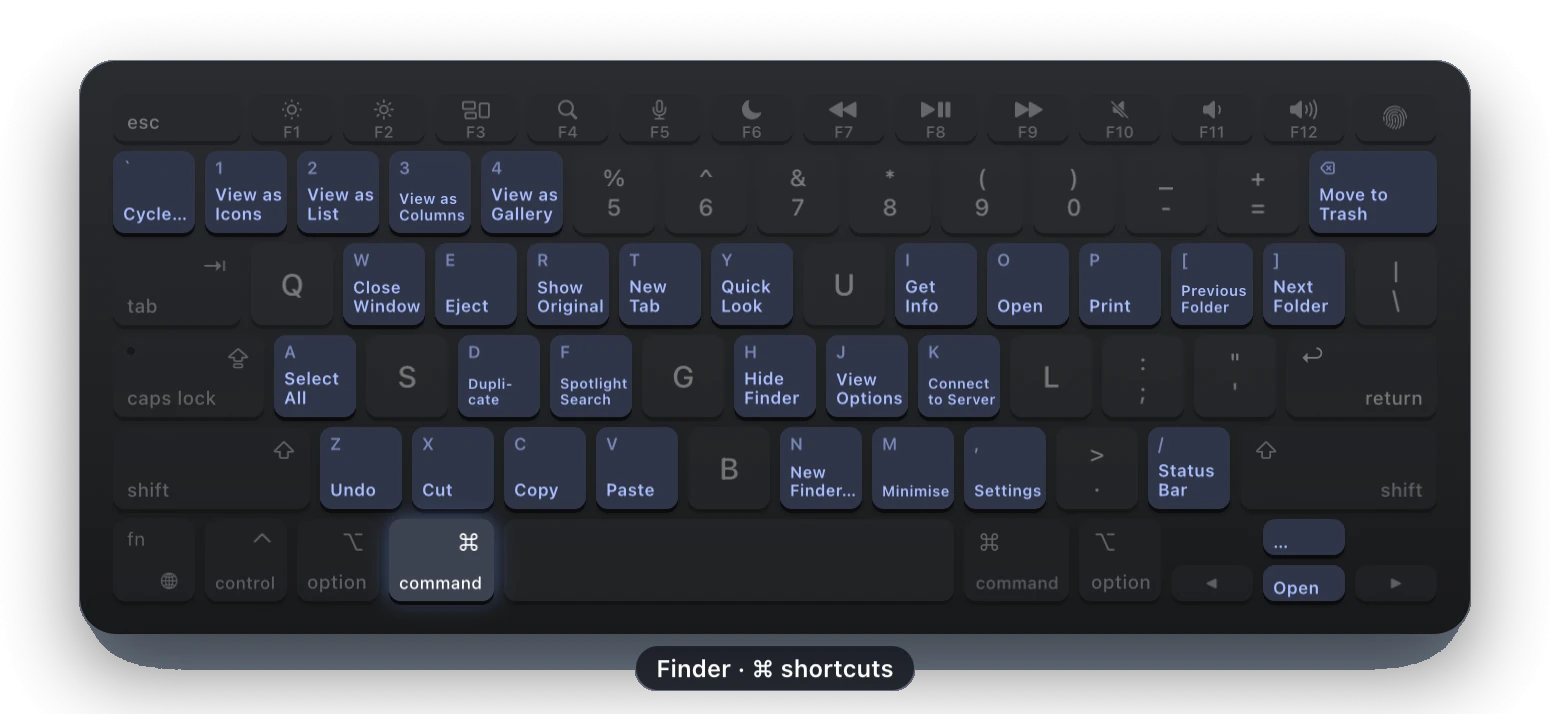
Hold ⌘. See what every key does.
Hold a modifier for a moment and the keys relabel with what they do in the app in front. Typebar reads each app's own menus, so it works in every app, not only the popular ones.
- 20 hand-made packs for the shortcuts menus leave out, in Figma, Photoshop, Final Cut Pro, Logic Pro, Blender, Excel and more. Hold fn for their single-key tools.
- Your own keybindings in 11 apps, read from their settings files: VS Code, Cursor, Windsurf, Zed, JetBrains IDEs, Xcode, Sublime Text, iTerm2, kitty, Ghostty and WezTerm.
- A list you can search. Pick a shortcut and its keys light up on the board, or see which keys an app leaves free.
- Yours to edit and share. Rename, hide or add shortcuts for any app, pin a sheet with a double tap, and export it as a PNG or PDF.
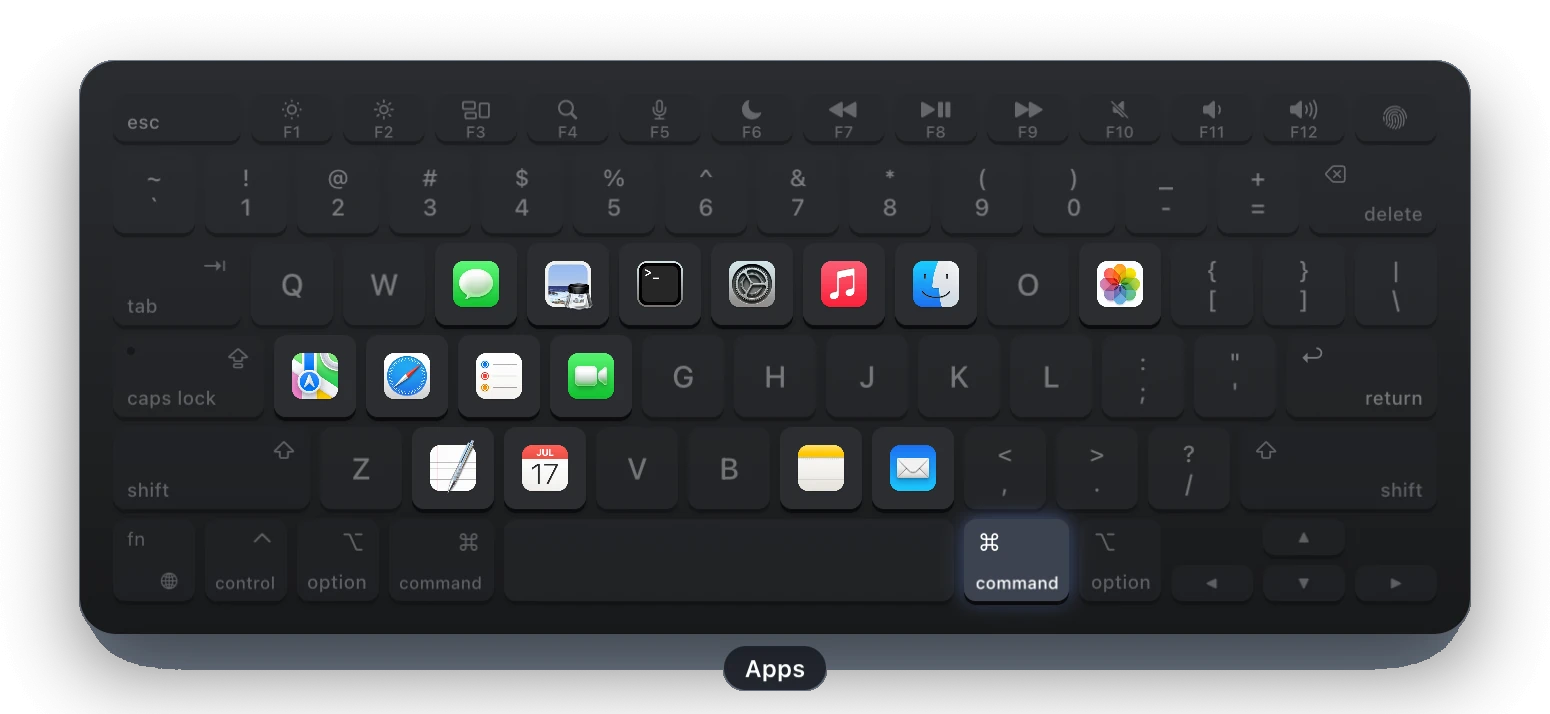
Click to type. Hold for more.
Presenting with only a pointer? Turn on Click to Type and click keys on the board to type into the app in front, with modifiers that latch for the next key and keys that repeat while held.
- Layers of your own. Hold a key you choose, like right ⌘ or Hyper, and the board shows keys that open an app, type a snippet, send a shortcut, or show a symbol with a caption.
- The Apps layer, in one click. Your running and Dock apps land on their first letters, and pressing one switches to it.
- For every app or just one, each layer with its own hold time, saved to a file you can share.
Launch notes
Clicks you can see.
Ripples show every click, with left, right and middle each their own shape. A trail follows a drag, and a halo keeps the pointer easy to find in a busy recording.
Spotlight dims every display except a circle around the pointer, so your audience looks where you look. Clicks can go in the pill too, as Click, Right Click or ⌘ Click.
A keyboard you can hear.
Six switch sounds, from a soft Linear to a crisp Typewriter, made on your Mac with no audio files. Each key sounds from its own place left to right, and Space, Return and Delete sound deeper.
Off until you turn it on, and then only while the board or the pill shows, unless you choose always.
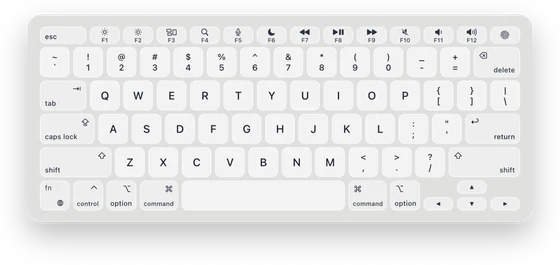 Frosted
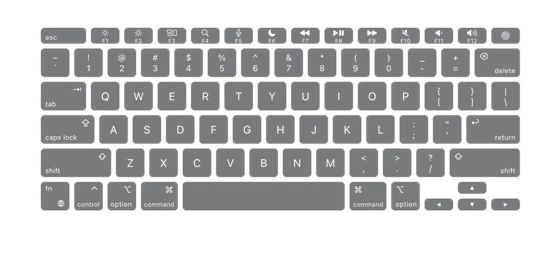 Wireframe
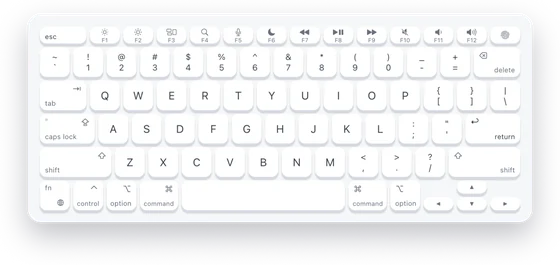 Paper White
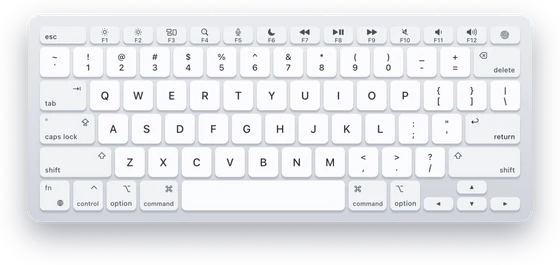 Silver
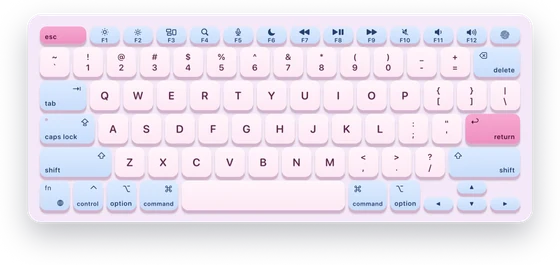 Cotton Candy
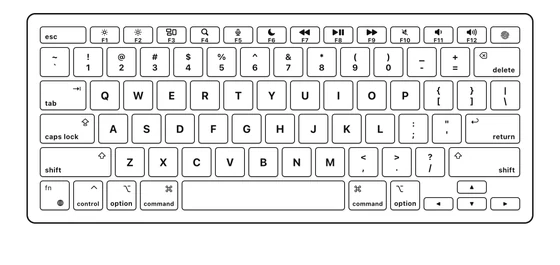 Mono Ink
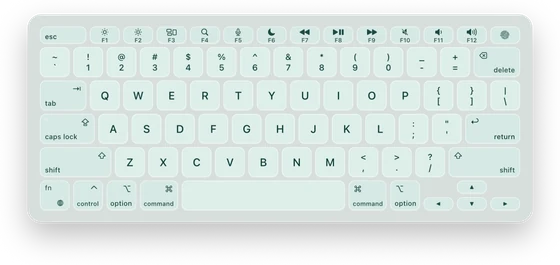 Sea Glass
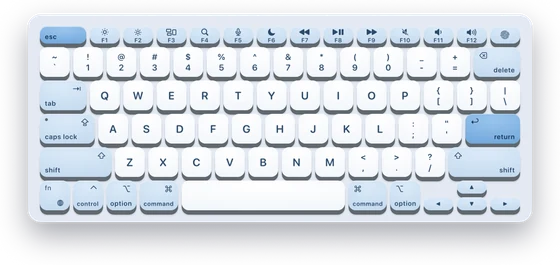 Arctic SA
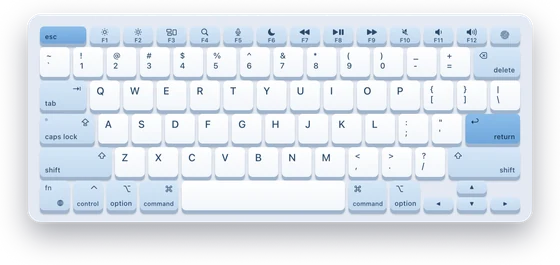 Arctic
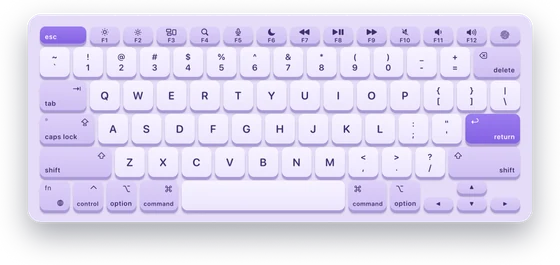 Lavender
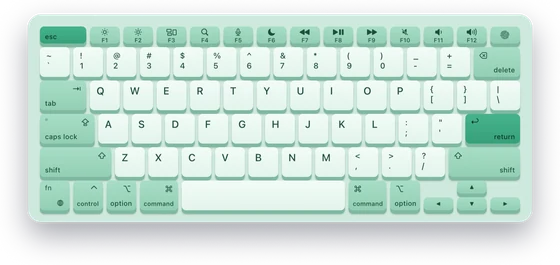 Mint
Mint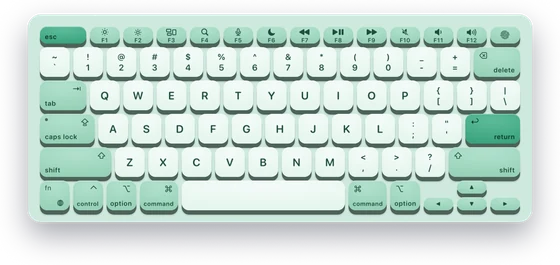 Mint SA
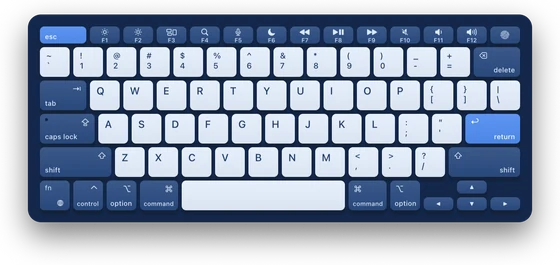 Harbour
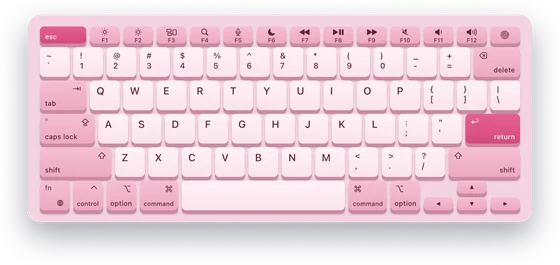 Rose
Rose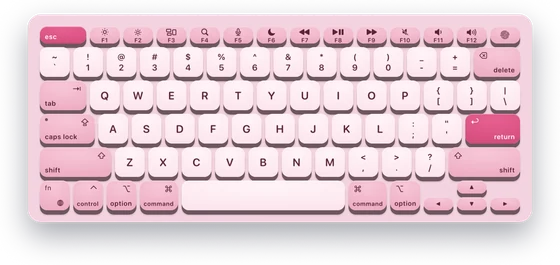 Rose SA
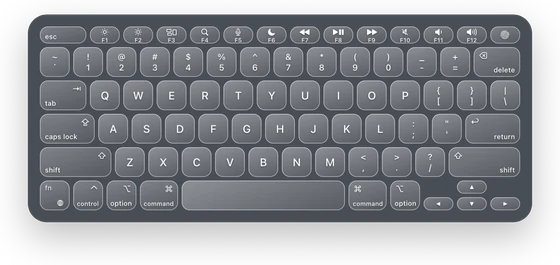 Liquid Glass
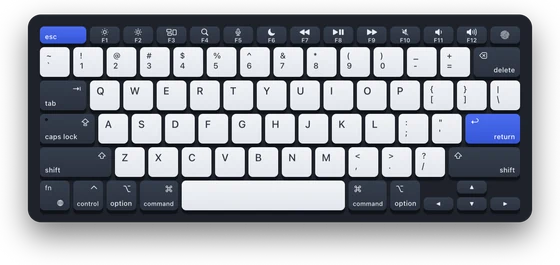 Ink
Ink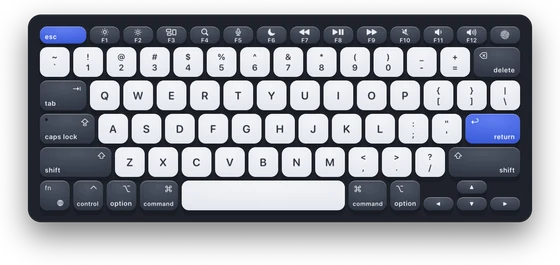 Ink SA
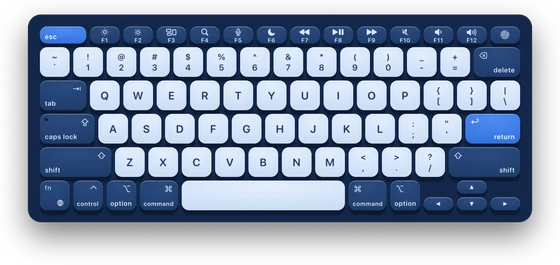 Ocean SA
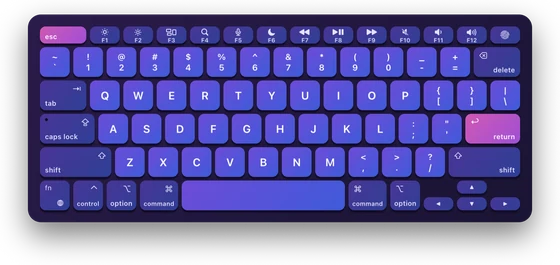 Dusk
Dusk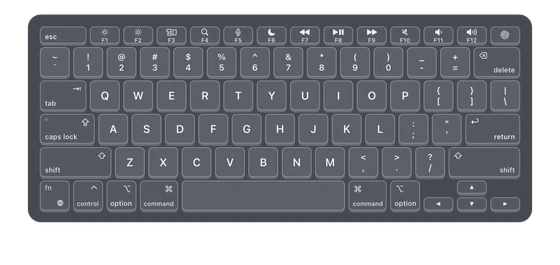 Clear Acrylic
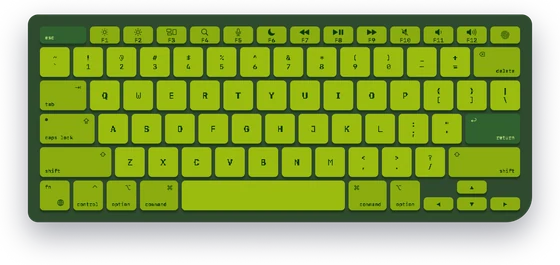 Handheld
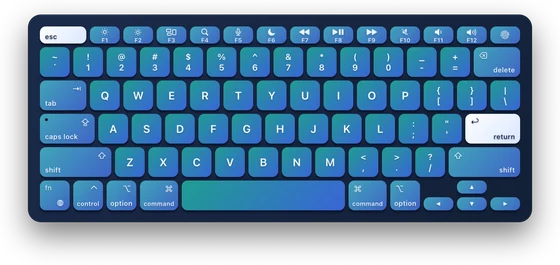 Aurora
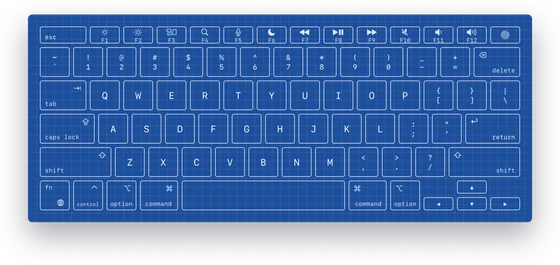 Blueprint
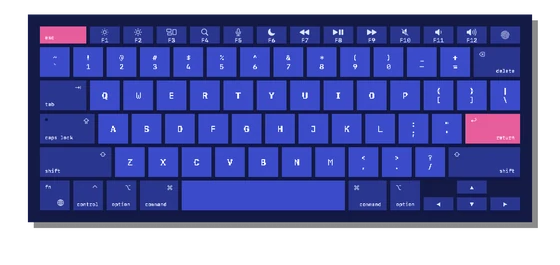 Pixel
Pixel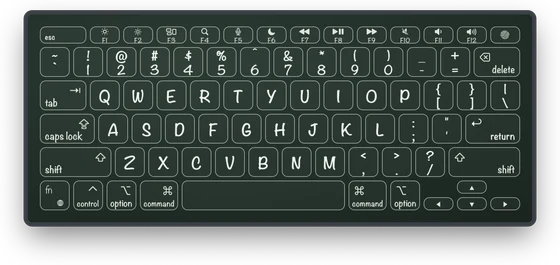 Chalkboard
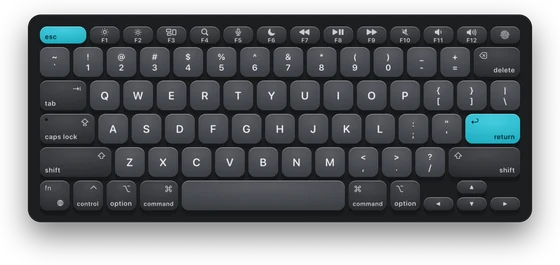 Carbon SA
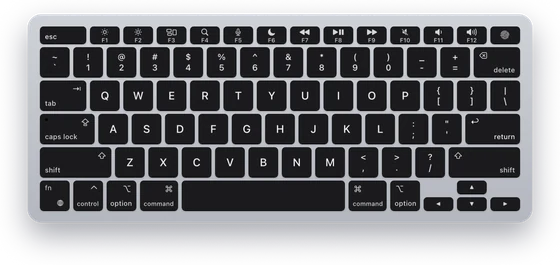 MacBook Pro
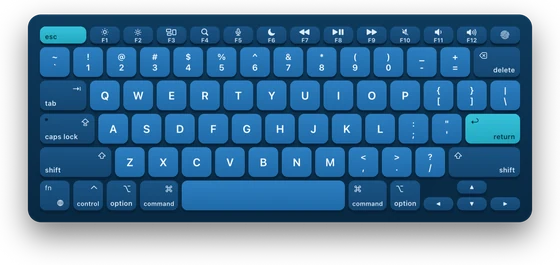 Ocean
Ocean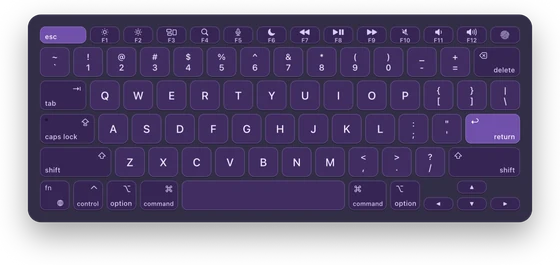 Amethyst
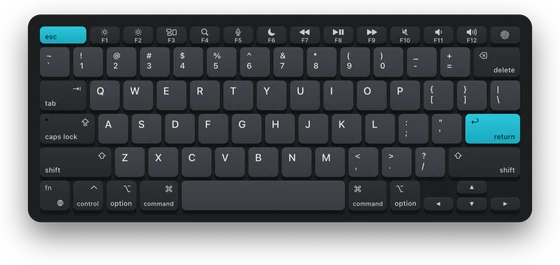 Carbon
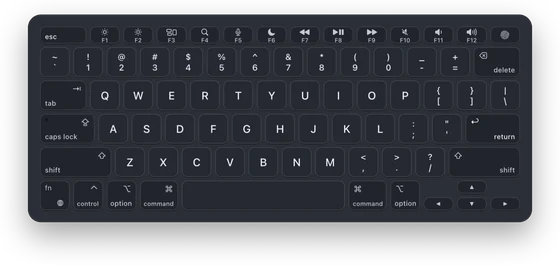 Smoked
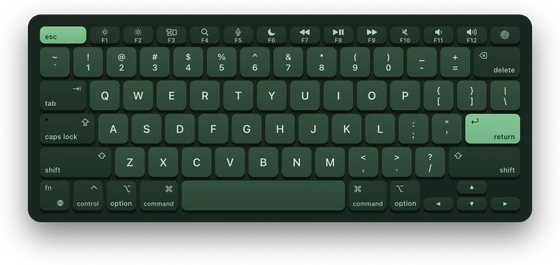 Forest
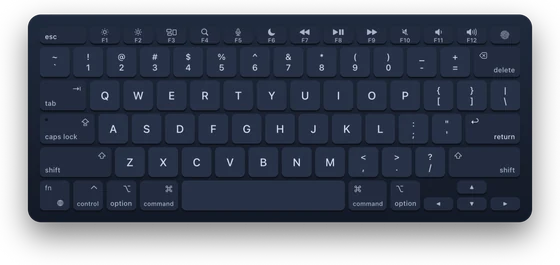 Midnight
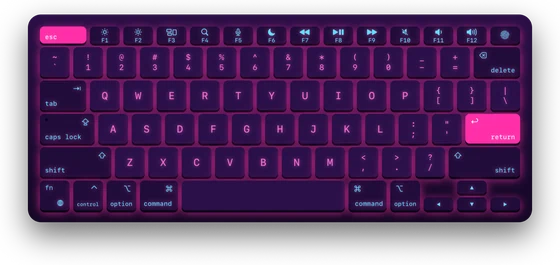 Synthwave
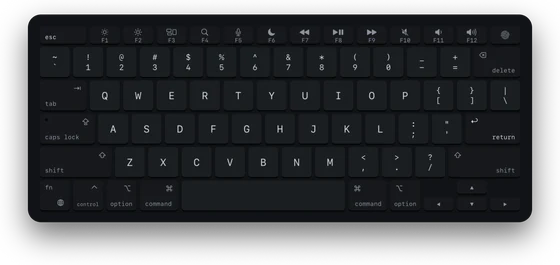 Terminal
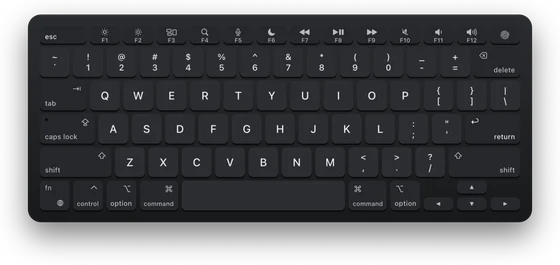 Space Black
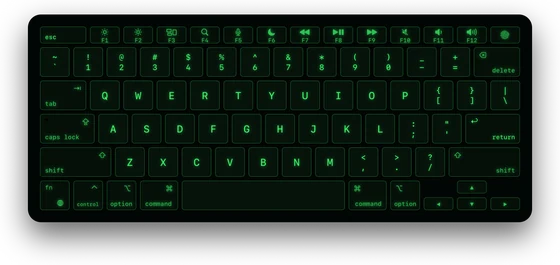 Matrix
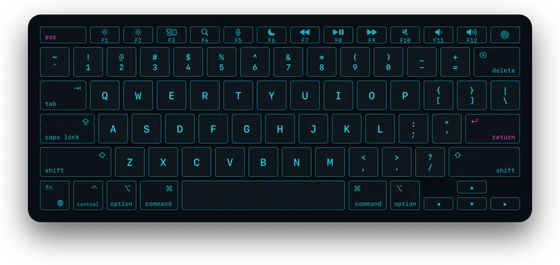 Cyber
Cyber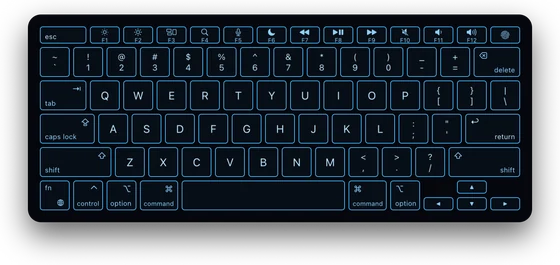 Grid
Grid
40 themes. Make the 41st.
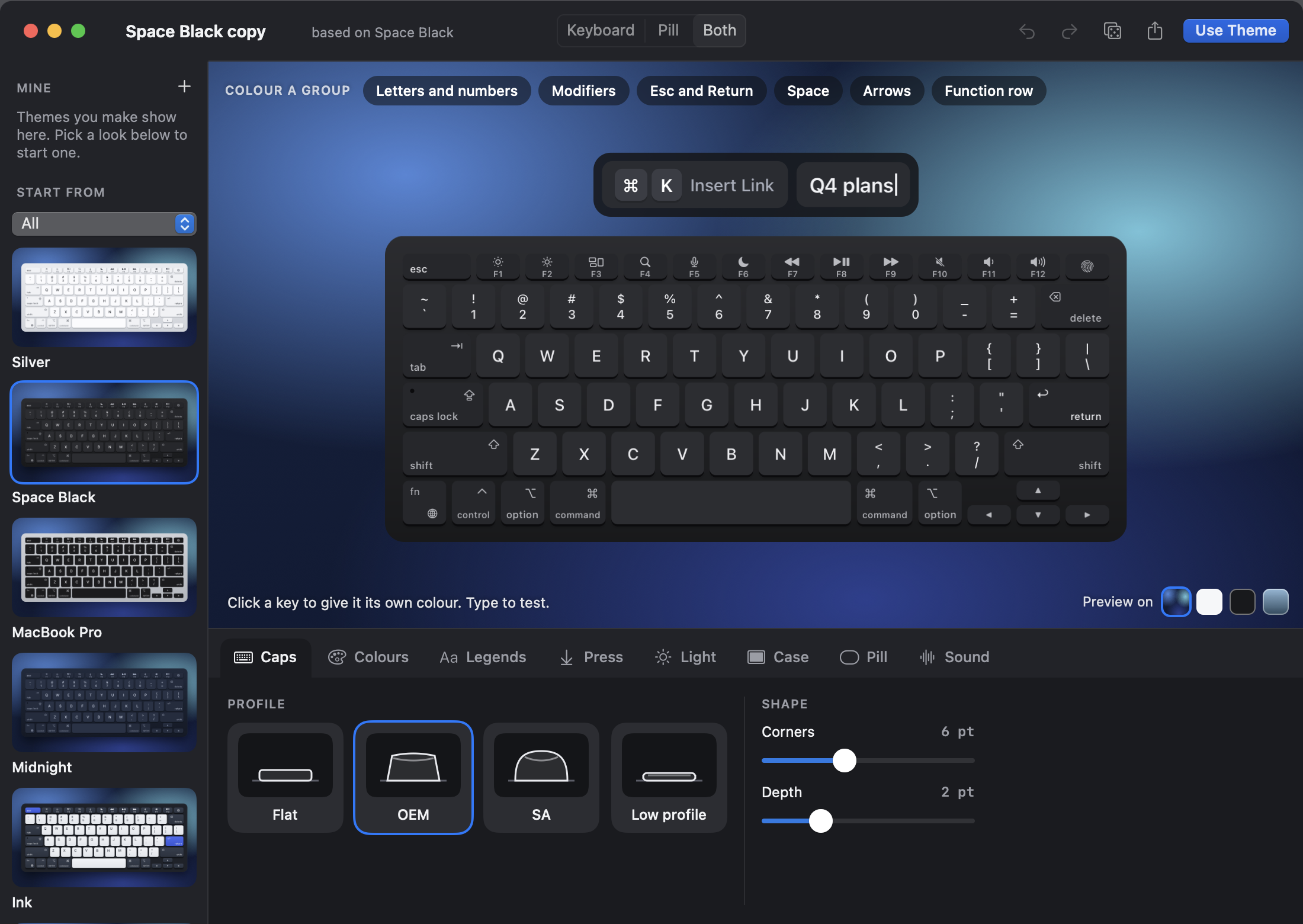
Apple keyboards, mechanical caps, glass, neon, minimal and playful. In Theme Studio you can color any key or group of keys and pick the caps, legends, press effect, light, case and pill, with every step undoable.
- Share a theme as a file, and open the ones other people make.
- Profiles keep a whole setup: the look, the mode, sizes and places, the pill, the mouse and the sounds. Switch from the menu, a shortcut, or the app in front. Recording, Presenting and Learning are ready to go.
Sign in
Use your account for Launch notes.
Shows up when you record. Stays quiet when it should.
Typebar can appear by itself while your screen is recorded or shared, and go away when it stops. Choose the apps it always shows in, and the ones it never does.
- Password fields stay private. When macOS marks a field as secure, nothing you type shows, and the pill says “Typing hidden in a password field”.
- Hidden apps. Nothing you type shows while 1Password, Bitwarden, Keychain Access or Passwords is in front. Add your own.
- Hide letters for live demos: shortcuts and special keys show, letters show as dots.
- Pause from the menu or a shortcut you set, and nothing shows until you turn it back on.
- Nothing you type is saved or sent anywhere. See Privacy.
you@MacBook-Pro ~ % open -g "typebar://profile?name=Presenting"
you@MacBook-Pro ~ % open -g "typebar://layer/show?h=s:arrow.left&j=s:arrow.down&k=s:arrow.up&l=s:arrow.right&fill=blank"
you@MacBook-Pro ~ % typebar themes list | head -4
  silver          Silver          Apple
* space-black     Space Black     Apple
  macbook-pro     MacBook Pro     Apple
  midnight        Midnight        Apple
you@MacBook-Pro ~ %
Drive it from anywhere.
Show, hide and place the board, switch themes and profiles, or put a layer of your own on the keys, from a script or from your own app. Automation can change what the board shows. It never types or presses keys for you.
- Links: typebar:// from Raycast, Alfred or a script.
- Command line: the typebar tool, installed from Settings.
- Shortcuts: seven actions in the Shortcuts app.
- Your own app: one Swift file, and notifications.
How Typebar compares.
Keylume and KeyCastr also show your keys on a Mac. Here is what each one's own page says it does, next to Typebar.
| Feature | Typebar | Keylume | KeyCastr |
|---|---|---|---|
| An on-screen keyboard | Yes: MacBook, Magic Keyboard with or without a number pad, and tenkeyless; ANSI, ISO and JIS | Yes, a full Apple keyboard | Not mentioned on its page |
| A keystroke pill with action names | Yes, named from each app's own menus | Not mentioned on its page | Shows keystrokes: command keys, modified keys, or all |
| Cheatsheets for every app | Every app, read from its menus, plus 20 packs and your own keybindings in 11 apps | Hand-crafted for most popular apps, and you can add your own | Not mentioned on its page |
| Click to Type and layers | Yes, plus a built-in Apps layer | Click to type (clicking a cheatsheet shortcut sends it), custom layers, and an app switcher layer with rcmd | Not mentioned on its page |
| Mouse clicks and Spotlight | Click ripples, drag trail, cursor halo and Spotlight | Not mentioned on its page | Mouse clicks |
| Typing sounds | Six switch sounds | Not mentioned on its page | Not mentioned on its page |
| Themes and a theme editor | 40 themes, Theme Studio, and profiles | Many built-in themes, a theme editor, and theme sharing | Default, Svelte and Minimal visualizers, and developers can write their own |
| Auto-show for recordings | Yes, with apps it always or never shows in | Yes | Not mentioned on its page |
| Remote control | Links, command-line tool, Shortcuts actions, notifications and a Swift file | URL scheme, command-line tool, notifications and a Swift file | Not mentioned on its page |
| Price | $9 once, up to 5 Macs, a 24-hour trial | One-time license for up to 5 Macs; a 14-day trial, then a free mode | Free and open source |
Checked 27 October 2026 against each app's own page. An empty cell means that app's own page does not mention it. Sources: lowtechguys.com/keylume and its integration page; github.com/keycastr/keycastr, its README and its latest release.
KeyCastr is free and open source, and has been free for the Mac since 2009.
Coming from Keylume? Typebar's links read Keylume's key spellings, a:, s:, symtext: and blank=1, so a show or toggle link usually carries over when keylume:// becomes typebar://.
What to expect.
- Runs on
- macOS 14 Sonoma or later, on Apple silicon and Intel Macs alike.
- One permission
- Accessibility is the only one. Typebar uses it to see which keys you press, to read app menus for shortcut names, and to type for you in Click to Type.
- Your keyboard
- MacBook, Magic Keyboard with or without a number pad, or tenkeyless, in ANSI, ISO or JIS. The keys follow your input source: QWERTZ, AZERTY, Dvorak, Colemak and more.
- Signed and notarized
- The installer is checked by Apple, so it opens without warnings. Download size: 13.6 MB.
- Quiet updates
- Typebar checks for a new version once a day, and you choose when to install it.
- Motion and contrast
- Presses turn into instant color changes with Reduce Motion, and Increase Contrast makes every legend easy to read.
Asked, and answered plainly.
Does Typebar see my passwords?
Typebar has to see your keys to light them, as every key display does, and it keeps nothing. When macOS marks a field as secure, as it does for passwords, nothing you type shows; the pill says “Typing hidden in a password field” instead.
Nothing you type shows while 1Password, Bitwarden, Keychain Access or Passwords is in front, and you can add any app to that list. Nothing you type is saved or sent anywhere. See Privacy.
Does it show up in my screen recordings?
Yes. The board and the pill appear in screen recordings and screen sharing like any window. Typebar can also show itself when a recording or a share starts and hide when it stops, and you choose apps it always shows in or never shows in.
What happens when the trial ends?
Every feature works for 24 hours from the first launch. After that, Typebar does nothing until you buy it or enter a license key: the board, the pill, cheatsheets, layers, Click to Type, Theme Studio, the mouse visuals, the sounds and automation all stop, and whatever you try opens Settings on License. Nothing pops up by itself. Your settings, themes, cheatsheets and layers stay, and entering a key brings everything back at once.
How many Macs can I use it on?
Up to 5 Macs on one license key.
How do I move my license to a new Mac?
On the Mac you are leaving, open Settings, choose License and click Deactivate This Mac… to free its place. Then enter the same key on the new Mac. One key covers up to 5 Macs, so a new Mac usually fits without freeing one.
Can scripts and other apps control it?
Yes. Typebar takes typebar:// links, has a typebar command-line tool, adds actions to the Shortcuts app, and gives developers a Swift file to show a layer from their own app.
It also reads the key spellings other overlays' links use, such as a:com.apple.Safari, s:star and symtext:magnifyingglass|Find, so an existing show or toggle link usually carries over by changing its scheme. Automation can change what the board shows. It never types or presses keys for you.
Try everything free for a full day. If Typebar earns its place, one payment keeps it, on up to five Macs.
- Up to 5 Macson one license key
- 24-hour trialwith everything on, no card
- Free updateschecked once a day
- 7-day refundsunder our refund policy
Secure checkout by Dodo Payments, our merchant of record. Your license key arrives by email.